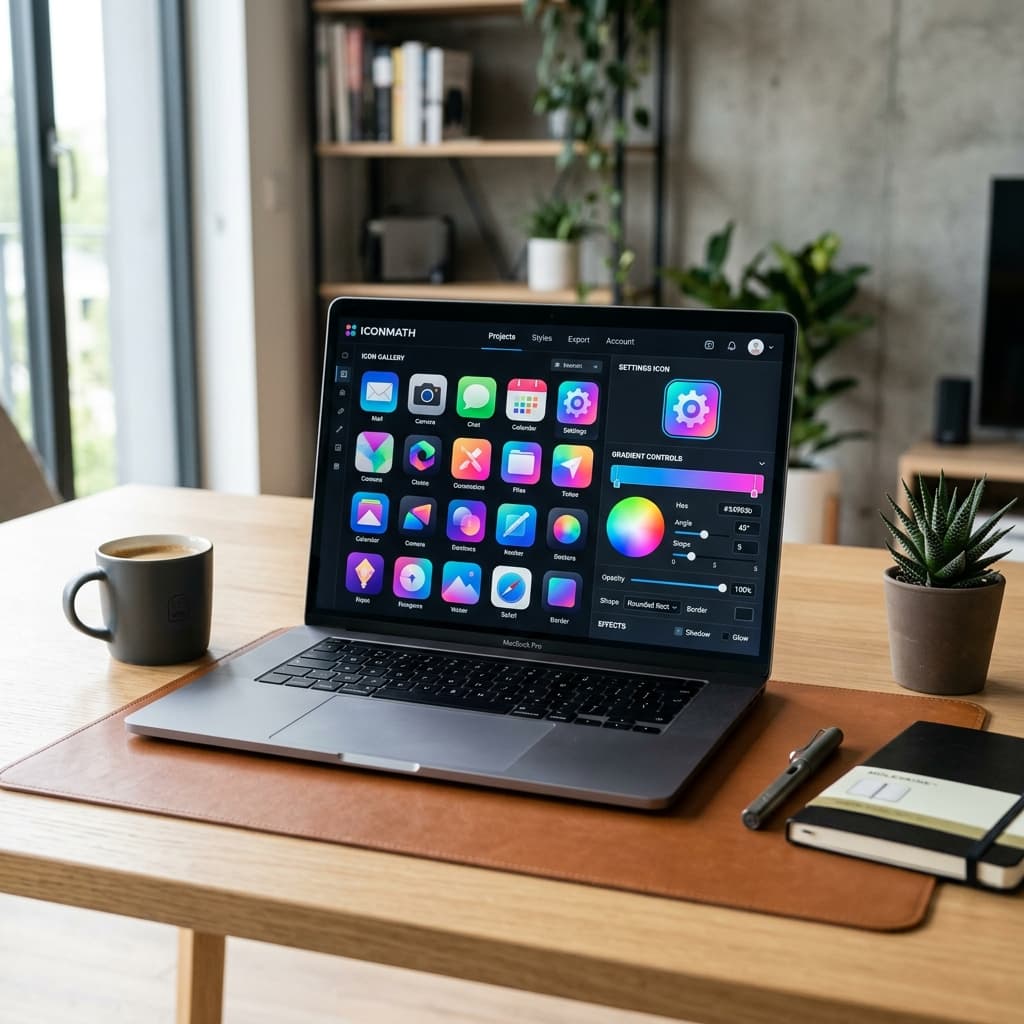
Shipping an app involves a surprising amount of image admin. iOS wants one set of icon sizes, Android wants adaptive icons with separate foreground and background layers, your website needs a favicon in four formats, and Google Play wants a 512×512 icon and a 1024×500 feature graphic. We got tired of juggling five different websites every time we launched one of our own apps — so we built IconMath, a free toolkit that handles all of it in one place, right in your browser.
In this article
App Icon Generator: iOS and Android in one go
Start with your logo or artwork and IconMath turns it into a complete, correctly sized icon set for both platforms.
- Android adaptive icons — separate foreground and background layers, so your icon looks right in circles, squircles and whatever shape a phone maker chooses.
- iOS icon sets at every size Xcode asks for.
- Splash screens generated alongside your icons.
- Styling controls — solid or gradient backgrounds, padding and automatic formatting so your artwork sits nicely inside the safe zone.
- Live preview as you tweak, then download everything as a single ZIP ready to drop into your project.
Favicon Generator: every size from one PNG
Upload one PNG and get the full modern favicon set: a classic .ico file, 16×16 and 32×32 PNGs, an Apple Touch Icon (180×180) for iPhone home screens, and the Android Chrome icons your web app manifest needs for installable PWAs.
PNG to SVG Converter: sharp vectors from pixels
Got a logo that only exists as a blurry PNG? The SVG converter traces it into a clean, scalable vector using the open-source vtracer engine. Presets tuned for app icons, logos, photos and pixel art give you a good result on the first try, and you can adjust from there.
Google Play Console assets at exact dimensions
Google Play is strict about image sizes. IconMath generates the 512×512 developer icon and the 1024×500 feature graphic (the banner at the top of your store listing) at exactly the dimensions the Play Console expects, so your upload doesn't bounce.
A full image editor in your browser
Sometimes you need to touch up an icon before exporting it. IconMath's Paint editor goes well beyond a basic doodle pad:
- Layers with a proper brush engine, eraser, paint bucket, gradient tool, eyedropper and clone stamp.
- Shapes and text for quick badges and labels.
- Selections — rectangle, ellipse, lasso and magic wand, with refine controls.
- Move, transform and crop, with zoom for pixel-level work.
- Works on desktop and tablet, with nothing to install.
Bonus: a JSON validator and viewer
Because developers need it every other day: paste JSON to validate it, prettify or minify it, and explore the structure in a collapsible tree viewer. It's a handy stand-in for JSONLint and JSON viewers.
From artwork to store-ready in five minutes
- 1Open the IconMath App Icon Generator and upload your artwork.
- 2Adjust the background, padding and foreground until the previews look right.
- 3Download the ZIP and drop the folders into your iOS and Android projects.
- 4Head to the Play Console assets tool for your store icon and feature graphic.
- 5Finish with the Favicon Generator for your app's website.
Built by people who ship apps
IconMath started as an internal tool for launching our own apps, like Vedit and ExpenseMath. It exists because we needed it. If you're building an app and want help with more than the icon, our team builds mobile and web apps for clients too.
Frequently asked questions
Is IconMath free?
+
Yes. The core tools are free to use in your browser, with no sign-up required.
What's an Android adaptive icon?
+
An adaptive icon is made of two layers — a foreground and a background — so Android can mask it into different shapes (circle, squircle, rounded square) and add motion effects. IconMath generates both layers for you.
Which favicon sizes do I actually need?
+
A modern site should have a favicon.ico, 16×16 and 32×32 PNGs, a 180×180 Apple Touch Icon and Android Chrome icons for the web manifest. IconMath's Favicon Generator produces all of them from one PNG.
What size is the Google Play feature graphic?
+
1024×500 pixels. The developer (hi-res) icon is 512×512. IconMath generates both at exactly those sizes.
Can I convert a PNG logo to SVG?
+
Yes. The PNG to SVG converter traces your image into a scalable vector, with presets for app icons, logos, photos and pixel art.